
ON any object prim or mesh go to the texture tab
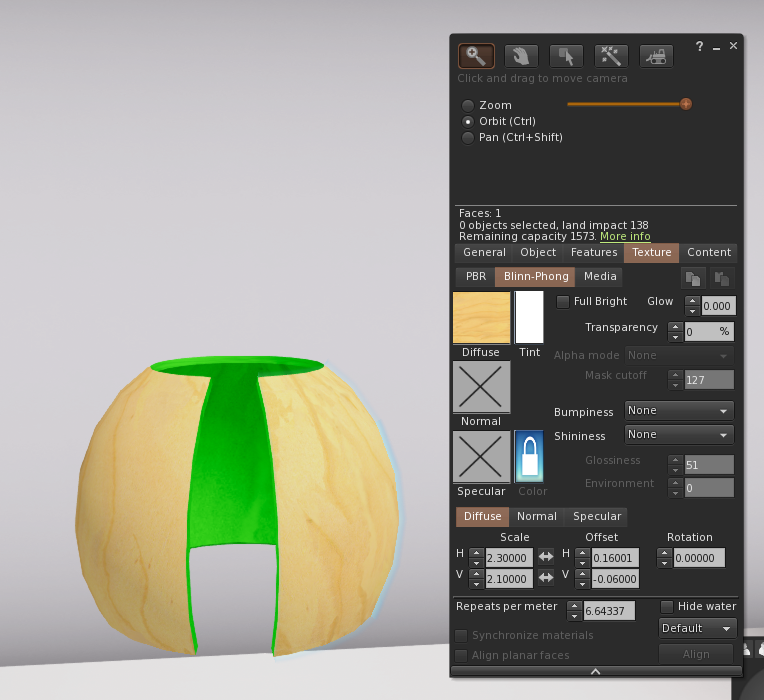
Choose select Face, select the face you want to work with.
Click on the texture square and up pops a menu with inventory local or bake options, choose local
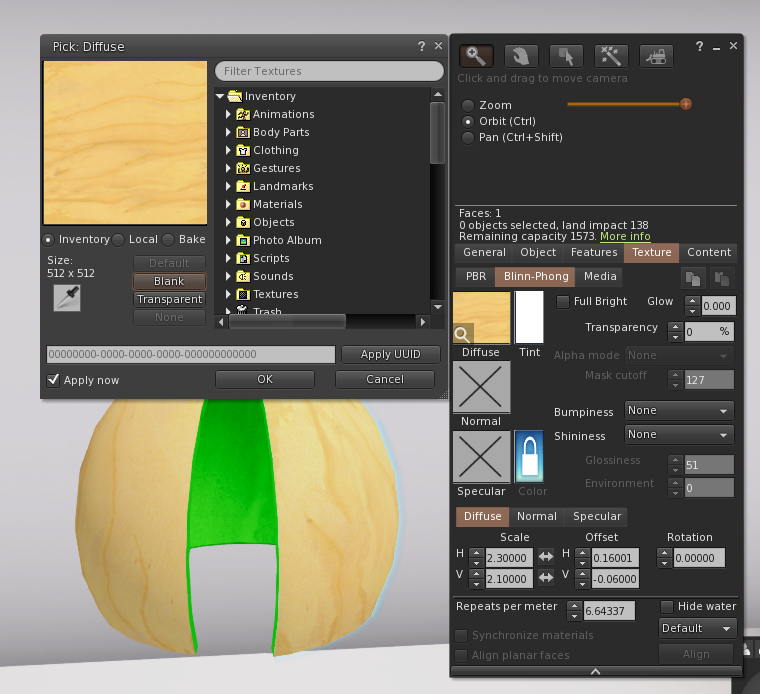
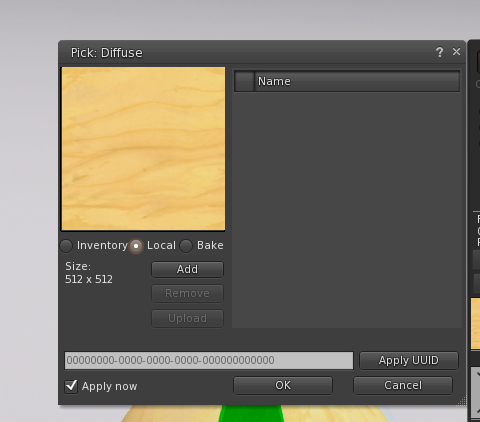
Once you have selected local choose ADD then it will let you browse to the file on your computer you want to try out
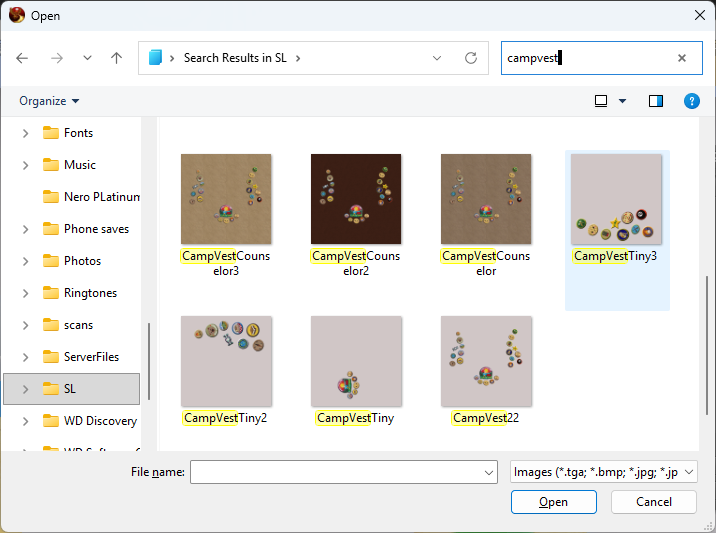
I have three faces on the tiny vest so I would use control and choose CanpVest Tiny3, CampVest Tiny2 and CampVest Tiny and then click on open
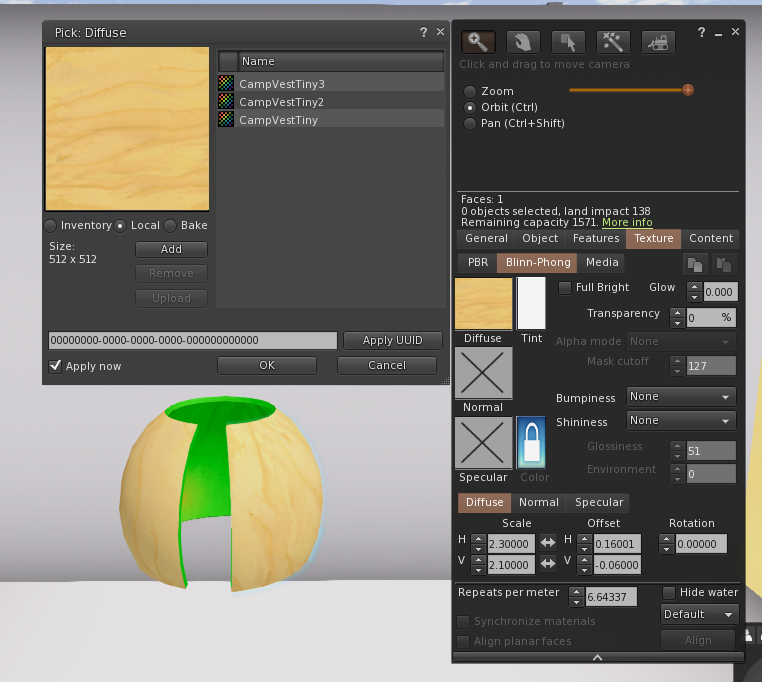
All three textures now show in my popup wndow. So I can choose a face and apply the texture I want.
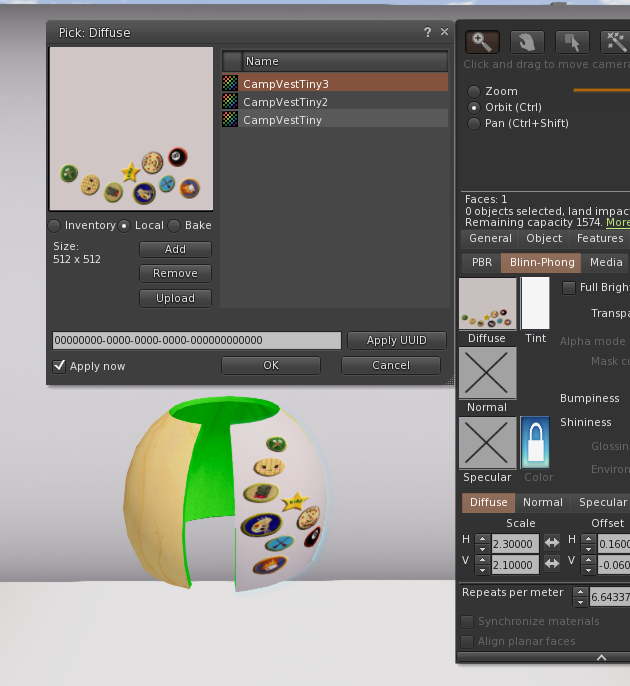
The texture shows up on the object. Only I an see it inworld because it is showing me something on my computer. This helps by showing you how it apears in world without having to upload first is really great when you trying to place something because you can keep movig it or changing it resave and the changes will appear inworld with each save of the file till you are happy with the results.
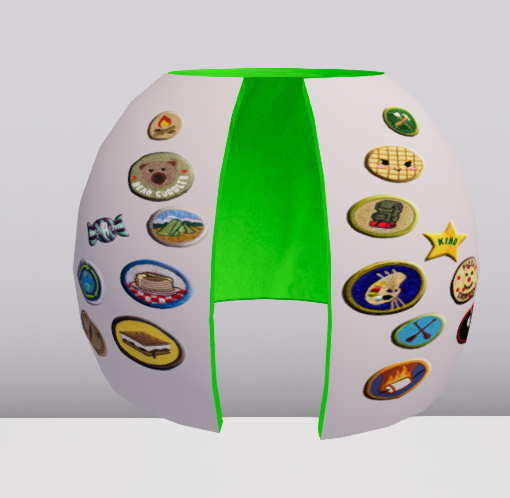
Once you like it you simply upload your textures. Select face touch texturesquareto get popup menu and change back to inventory from local. Place the uploaded textureand ya done!
Now if you forget to upload it this is what others see and what you will once you leave and return :
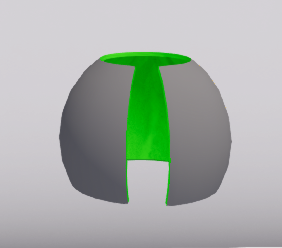
simply double check did i upload the texture(s), did i place the uploaded texture on the item and is it set to inventory not local =)
Hope this helps!